
01
Answers spread across systems
Policies in one repository, project files in another, procedures in a wiki. One question means opening several tools.

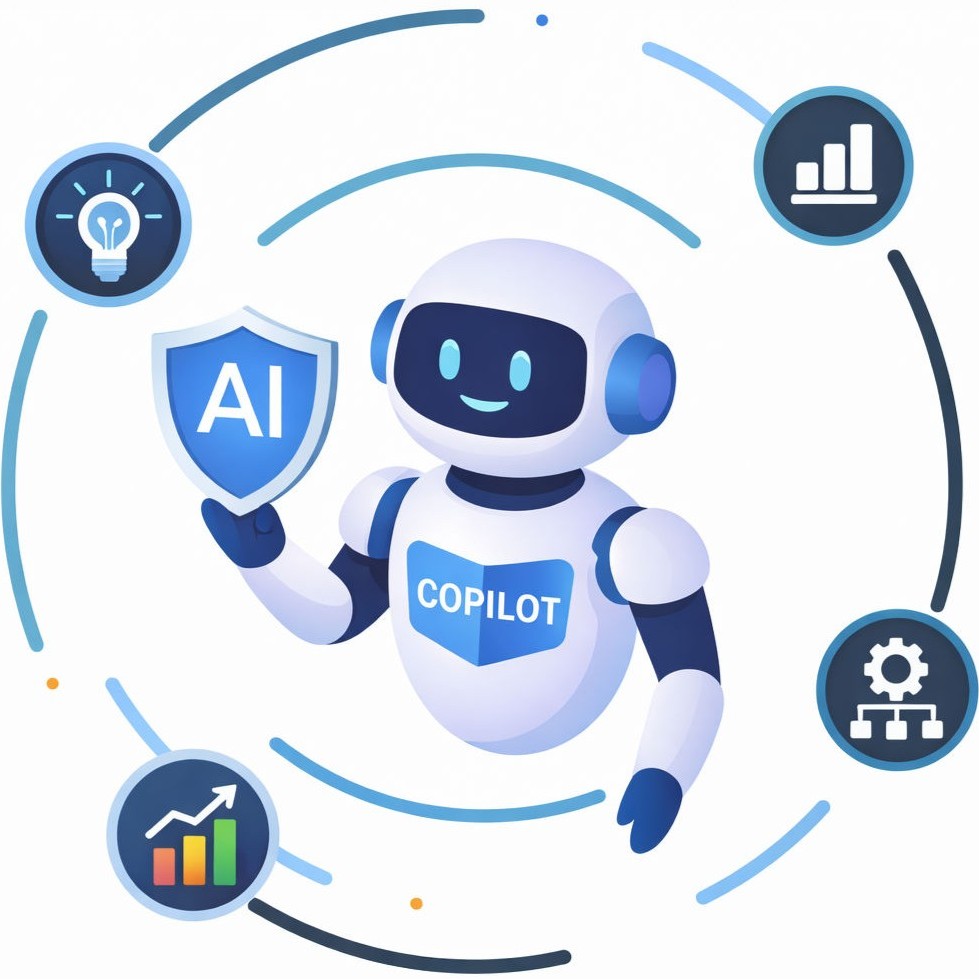
Empower teams to make faster, smarter decisions by instantly accessing accurate insights from internal knowledge and data. Reduce time spent searching for information, improve consistency across teams, and accelerate business outcomes with secure, role-aware AI assistance built for enterprise scale.
Seamlessly integrates with existing tools like HRIS, CRM, and ticketing systems, driving faster adoption, quicker decisions, and smoother workflows without changing how teams work.
Lower security risks while keeping teams productive. Ensure only authorized employees have access to information relevant to their role, helping protect sensitive data, reduce errors, and maintain clear operational boundaries.
Reduce time spent searching for information and improve response accuracy across teams. Instantly access content from PDFs, presentations, documents, and internal wikis through one intelligent interface designed to support faster, better-informed actions.
Deploy with flexibility and long-term control. Choose cloud, on-premise, or hybrid setups to meet regulatory, performance, and data residency requirements while scaling reliably as your organization grows.


Step into the Future of Ansible powered Automation with hSenid Mobile. Download your whitepaper now!
Faster answers. Smarter decisions.
Give your teams one secure enterprise AI assistant for your documents, policies and systems. They ask in plain language and get accurate answers from approved company knowledge in seconds, with role-based access and cloud, on-premise or hybrid deployment.
Most enterprises don't have a knowledge problem. They have a knowledge access problem. Policies, manuals, reports and wikis sit in different places, and every question costs time before the real work can start.
Policies in one repository, project files in another, procedures in a wiki. One question means opening several tools.
If an employee doesn't know the term a document uses, the answer stays buried in a long PDF.
HR and IT teams answer routine questions that already have documented answers, instead of the work that needs them.
Multiple copies of a policy or procedure leave teams unsure which one is right, and answers drift between teams.
New hires spend their first weeks learning where things are stored, and their managers field the questions.
Ask once. Get the answer from approved company knowledge.
AI Workbench puts your documents, systems and data behind one secure AI assistant.
AI Workbench is more than internal knowledge search. It answers, analyses and acts, inside the security boundaries your organisation already has.
Bring PDFs, presentations, documents and internal wikis into one searchable AI knowledge base, so the right answer no longer depends on knowing where a file is stored.
Employees ask about policies, manuals, reports and procedures in plain language and get consistent answers in seconds, instead of opening file after file.
Turn a natural-language question into charts, graphs and dashboard-style insights from your data, without waiting for a report to be built.
Handle HR queries and policy clarification, suggest self-help fixes, and create and route support tickets when a person really needs to step in.
Only authorised employees see information relevant to their role. Sensitive data stays protected, errors drop and operational boundaries stay clear.
Connect HRIS, CRM, ticketing and workplace tools such as calendars, so adoption is faster and teams keep working the way they already do.
Enterprise AI earns its place when an answer leads somewhere. These example workflows show how AI Workbench takes a question from your teams to the next step, without switching systems.
An employee asks how annual leave works. AI Workbench finds the current Leave Policy and answers in plain language, showing what it drew on.
An employee reports a problem. AI Workbench suggests a self-help fix from your IT guides, and if that doesn't solve it, creates and routes the ticket.
A manager asks for a trend. The Analytics Assistant queries the data and returns a chart, so the decision doesn't wait on someone pulling numbers.
Leave, benefits, travel and conduct questions answered consistently from your current policies.
Self-help fixes from your IT documentation, and tickets created when an engineer is needed.
Charts and dashboard-style views from internal data, on demand.
Procedures, systems and internal terms explained from day one, with fewer interruptions for managers.
Centralised search should never mean centralised access to everything. AI Workbench keeps your permissions in place and runs where your security, regulatory and data residency rules need it to.
Run AI Workbench in the cloud and grow it as adoption spreads across teams.
Keep the platform inside your own infrastructure when policy requires it.
Combine both to meet performance and data residency requirements.
Connecting a source never widens who can see it. Employees only get what their role allows.
AI Workbench is hSenid Mobile's enterprise AI assistant. It brings your documents, policies, systems and data into one secure interface, so employees can ask questions in natural language and get accurate answers from approved company knowledge, along with analytics, self-service support and ticketing.
A bundled copilot helps people work inside one software ecosystem. AI Workbench starts from your organisation's own knowledge across many repositories and business systems, with role-based access and a choice of cloud, on-premise or hybrid deployment. Many organisations use both. Read the full comparison.
AI Workbench aggregates PDFs, presentations, documents and internal wikis into a central knowledge base, and integrates with tools such as HRIS, CRM, ticketing and IT service management systems, and workplace tools like calendars. The exact connectors depend on your environment, and we map them with you during scoping.
No. Role-based access control means employees only receive information relevant to their role and permissions. Connecting a source to the assistant doesn't widen who can see it.
Yes. You can deploy AI Workbench on cloud, on-premise or in a hybrid setup to meet your regulatory, performance and data residency requirements, and scale as your organisation grows.
Start with a baseline: how long employees spend finding information, how many HR and IT questions repeat, and how long onboarding takes. Then measure the same indicators after rollout. Our guide to internal knowledge search ROI walks through a simple model. To see it on your use case, Book a demo.
Features, integrations, security and deployment options for your enterprise AI assistant, ready to share with your IT, HR and leadership teams.
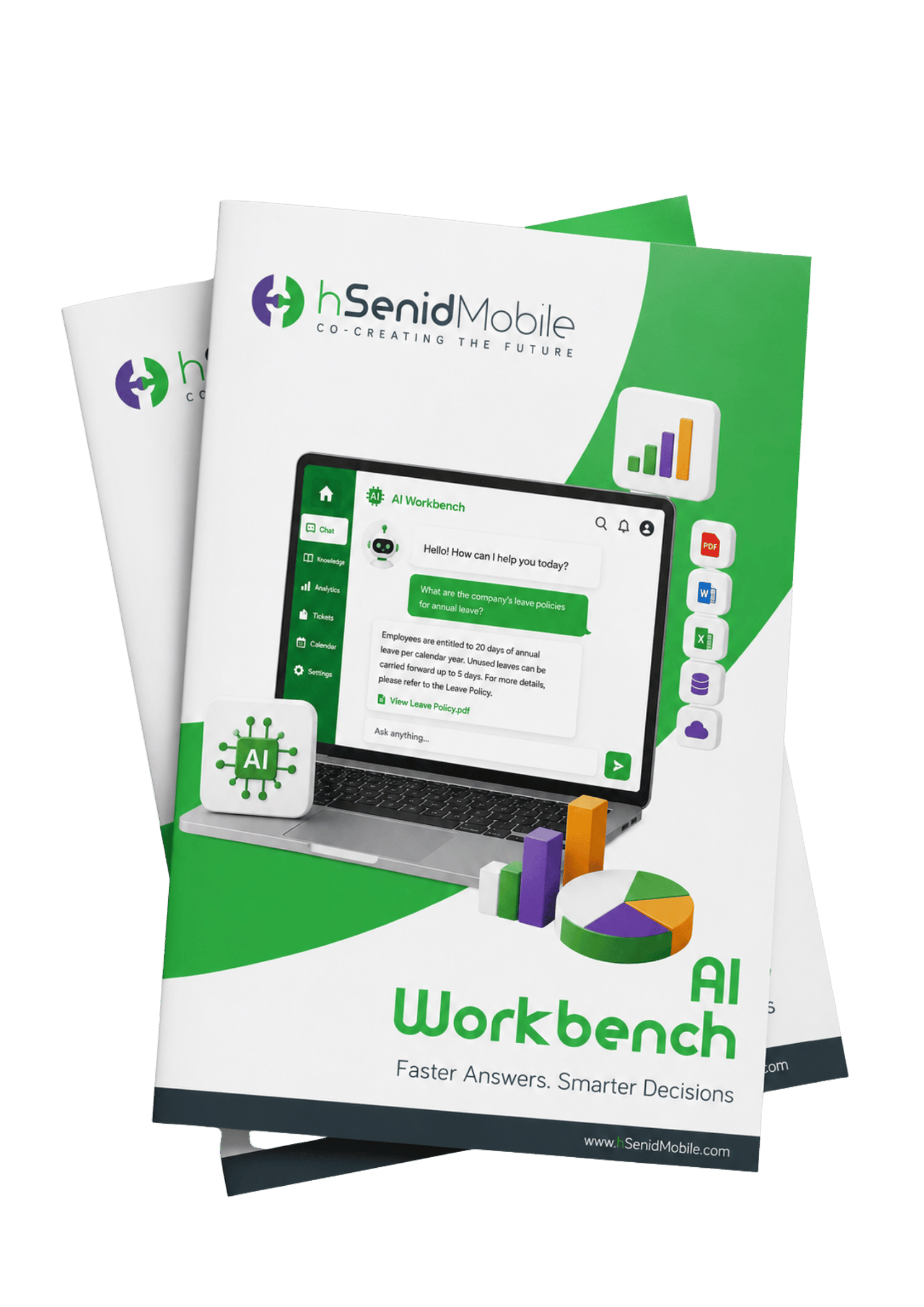
Tell us where your knowledge lives and which teams lose the most time searching. We'll show you how AI Workbench fits your systems, security and deployment needs.